Full Answer:
AI-Enhanced Search
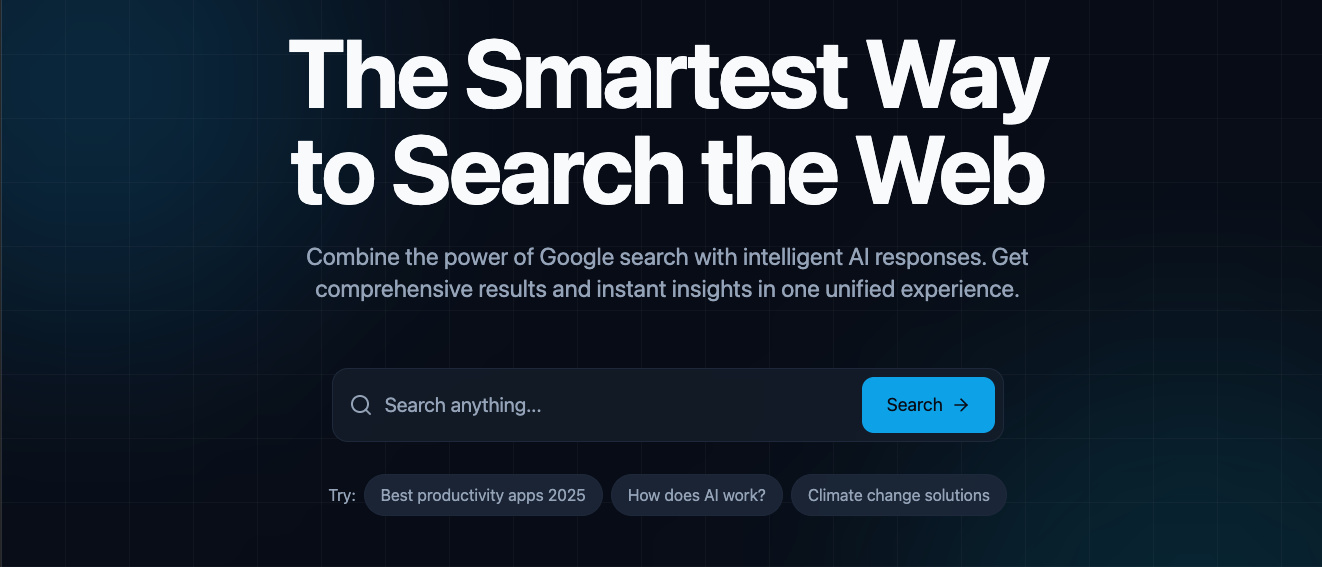
Two Engines. One Search.
Search has a split personality problem. Google gives you ten blue links and expects you to synthesize the answer yourself. AI chatbots give you a fluent response with no sources and no way to verify. You end up toggling between both — searching Google, copying the question into ChatGPT, comparing the answers, going back to Google for the links the AI referenced.
Full Answer was built on a simple premise: run both engines simultaneously and show the results side by side. One search bar, one query, two streams of results. The Google results give you verifiable sources. The AI response gives you a synthesized answer. You see both at once and decide what to trust.
The product insight was that different queries need different kinds of AI responses. A factual question needs a direct answer with sources. A programming question needs formatted code with syntax highlighting. A conceptual question needs an explanation with analogies and breakdowns. One prompt template can't serve all three well.
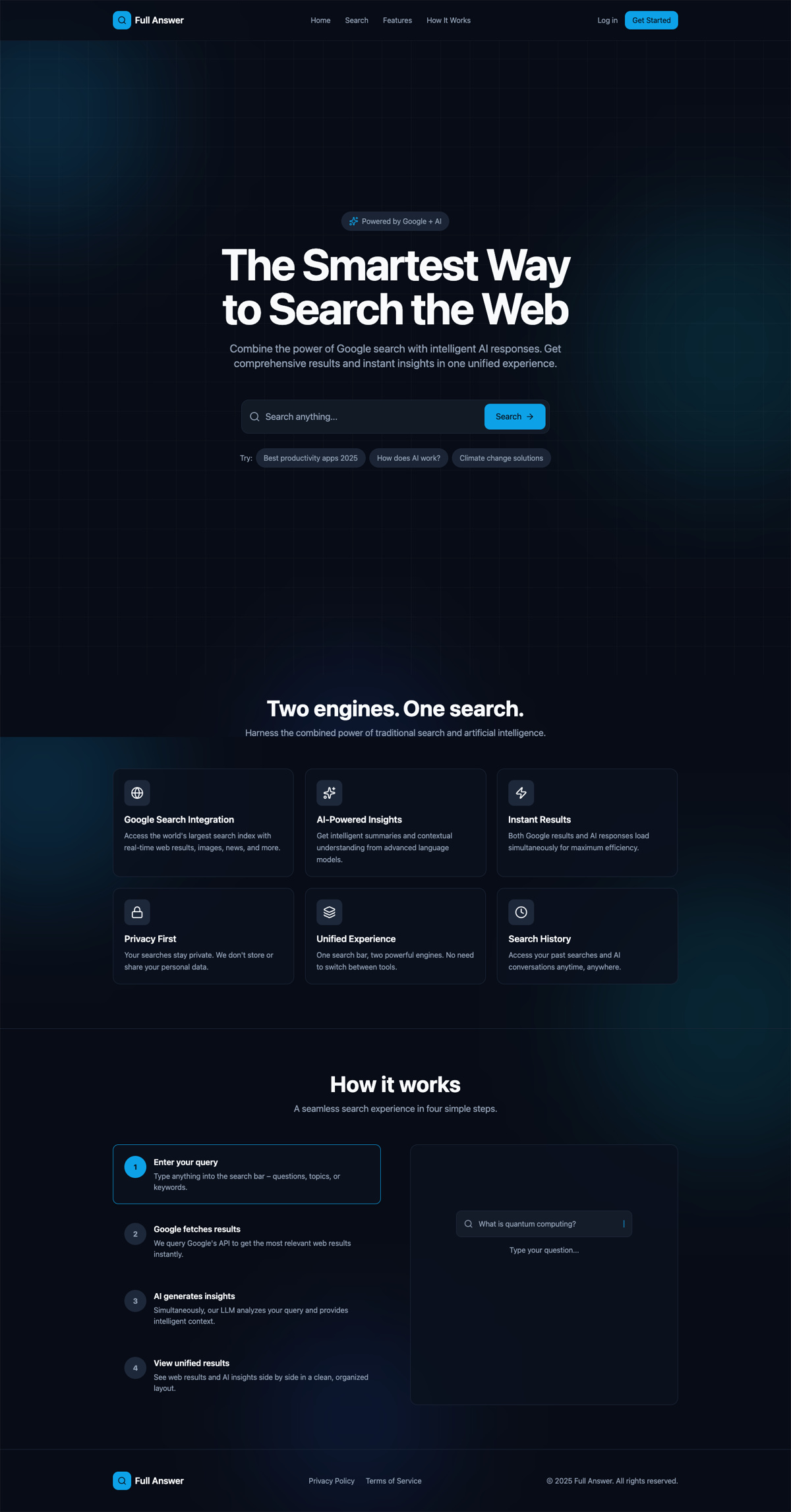
The landing page communicates the value proposition in one line: combine the power of Google search with intelligent AI responses. Sample queries let users try it immediately.
Parallel Engines, Unified Interface
The core architectural decision was parallel execution. When a user submits a query, the system dispatches two requests simultaneously — one to the Google Custom Search API for web results and images, and one to OpenAI for an AI-generated response. Neither waits for the other. The interface renders whichever comes back first and fills in the second when it arrives.
The layout adapts to the device. On desktop, Google results and AI responses sit side by side in a dual-column layout. On mobile, the same content reorganizes into a tabbed interface — “Web Results” and “AI Answer” — so users can switch between them without scrolling through both streams. The content is identical; the presentation fits the viewport.
Firebase handles everything behind the search: authentication through Google Sign-in, user profiles in Firestore, usage tracking per account, and a quota management system that enforces monthly API limits. The auth gate is the freemium model — anyone can see Google results, but signing in unlocks the AI responses.
Dual-Engine Architecture
Parallel ExecutionOne query triggers two engines in parallel. The interface adapts the presentation to the device — columns on desktop, tabs on mobile — without changing the content.
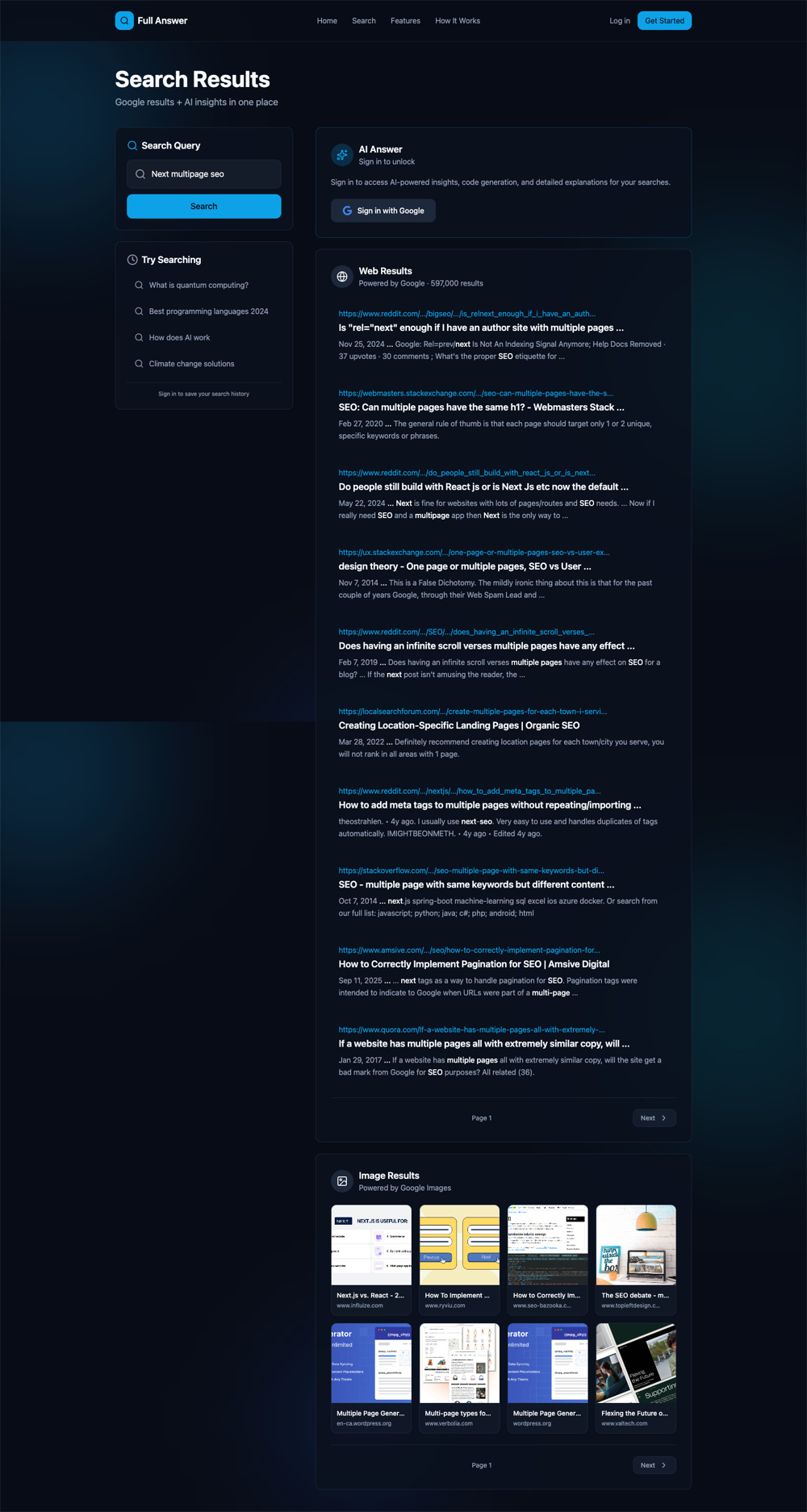
The freemium gate in action. Google results are always visible. The AI response panel prompts sign-in to unlock — showing the value before asking for commitment.
Three Modes for Three Intents
A factual question, a coding problem, and a conceptual inquiry are three fundamentally different search intents. Treating them all the same way produces mediocre results for all three. Full Answer gives users control over how the AI responds through three distinct modes.
Query mode delivers a direct, structured answer optimized for factual questions — key concepts, definitions, and formulas presented in a clean, scannable format. Code mode returns syntax-highlighted code solutions with explanations, designed for developers who need working snippets they can use immediately. Explain mode produces in-depth conceptual breakdowns with analogies and simplified explanations for complex topics.
Each mode has its own prompt template engineered for that specific intent. The system doesn't guess which mode to use — the user selects it, and the AI adapts. This means the same query about “compound interest” produces a formula and definition in Query mode, a Python calculator in Code mode, or a step-by-step conceptual walkthrough in Explain mode.

Query mode in action. The AI delivers a structured answer with key concepts, formulas, and breakdowns. The Response Format panel on the left lets users switch between Query, Code, and Explain modes. Search history and usage tracking sit below.
Intent-specific prompting
Each response mode uses its own engineered prompt template. Query mode optimizes for structured facts. Code mode optimizes for executable snippets. Explain mode optimizes for conceptual clarity. Same query, three different outputs.
Client-side caching
Switching between response modes or revisiting a previous search doesn't trigger a new API call. Responses are cached on the client so the experience stays fast and usage quotas stay efficient.
Search, Reimagined
Full Answer shipped as a complete search product. Users search from the landing page or the persistent search bar, view Google web results and image results alongside AI-generated answers, switch between three response modes, regenerate AI responses, and track their search history. The dark, immersive interface is designed for focused information retrieval — no distractions, no clutter.
The freemium model gates AI features behind Google Sign-in. Anyone can search and see Google results. Signing in unlocks the AI panel with a monthly quota of 40 queries — enough to demonstrate value, constrained enough to manage API costs. Usage tracking is visible to the user at all times so there's no surprise when they hit a limit.
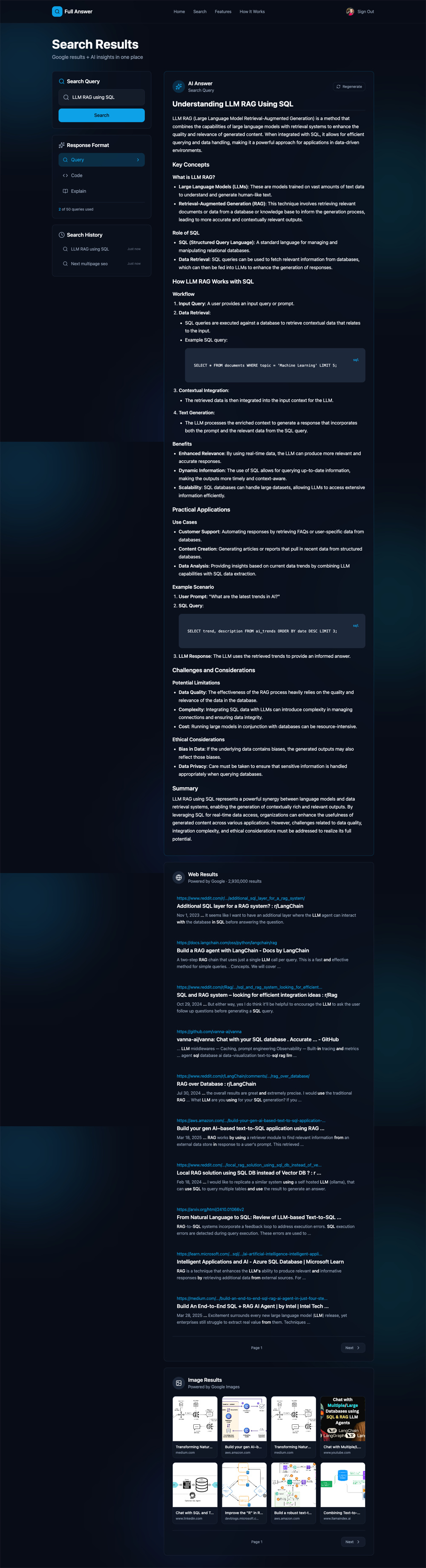
A deep AI response — the Explain mode breaks down LLM RAG with SQL, including code examples, use cases, and ethical considerations. Web results and image results stack below.
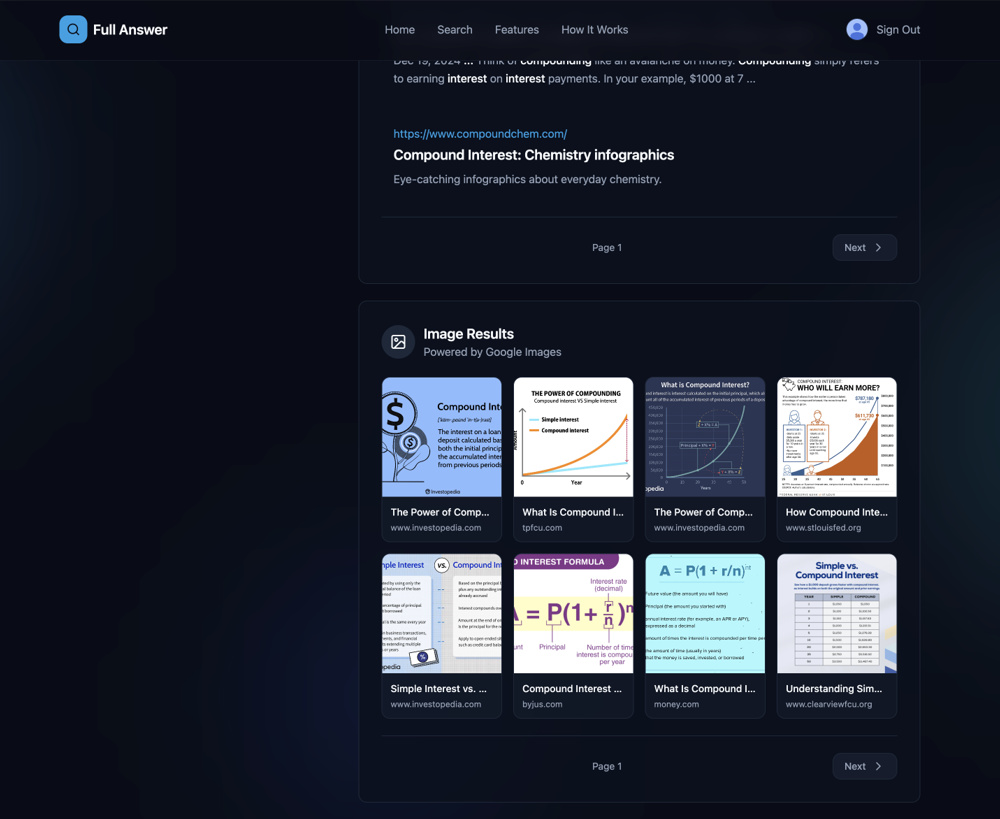
Google image results integrated directly into the search experience — no need to open a separate tab for visual content.
What Shipped
Dual-engine search, three AI response modes, Google auth, usage quotas, search history, image results, responsive design — a complete search product, not a wrapper.